Logo BeUBe U By Bank Islam

Products & Services

Navbar Icon

Spend

Spend and transact using multiple ways on Be U

Be U Qard Savings Account-i

Be U Visa Debit Card-i

Payment & Transfer

Navbar Icon

Save

Grow your savings effortlessly with dedicated savings features

Nest

Be U Awfar

Navbar Icon

Earn

Unlock opportunities to boost your income through the app

Gigs

Be U Term Deposit-i

Microtakaful

Be U Personal Financing-i

About Be U

Navbar Icon

About Us

Learn about Be U by Bank Islam's history, our mission and the team behind

Read More

Navbar Icon

In the news

Get the latest news of Be U by Bank Islam’s features and new releases

Read More

Navbar Icon

Blog

Be updated with the latest contents to help you get the best out of Be U by Bank Islam

Read More

FAQ
Campaigns
Download
Download
Logo BeU
Download

Be U Blog

Start Reading

Start Reading

Start Reading

Start Reading

Start Reading

Start Reading

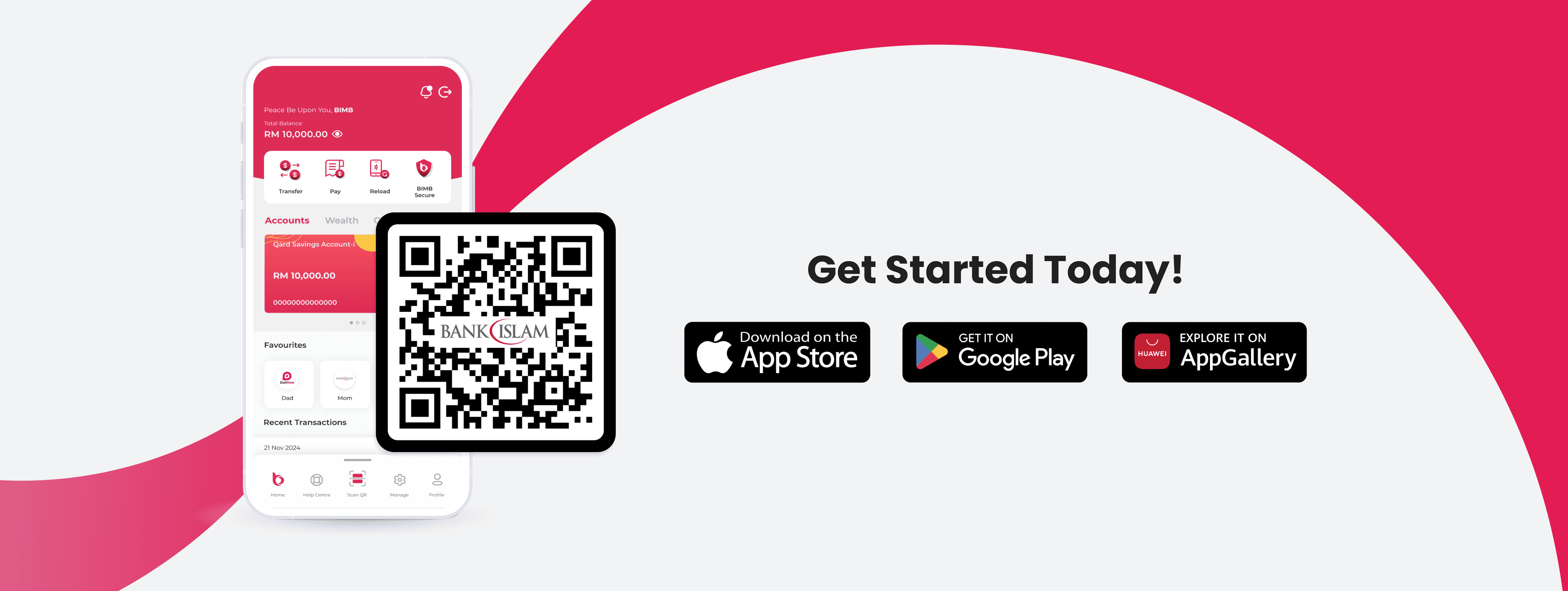
What are you waiting for?

Let's get started!

Join our growing Be U community now!

Apple Store LogoGoogle Play Store Logo
Be U Hi Five Character
Logo Bank Islam White

Contact Details

Be U by Bank Islam
Menara Bank Islam
22, Jalan Perak,
50450 Kuala Lumpur

03 2779 0088

beu.communitysupport@bankislam.com.my

Connect with us

Copyright © Be U by Bank Islam

Bank Islam Malaysia Berhad. 198301002944 (98127-X)

All right reserved

System StatusPrivacy PolicyBank Islam Group Privacy NoticeLegal Documents
Logo BNMLogo PIDMLogo MEPSLogo AKPK

Kemaskini OS untuk Sekuriti Maksimum

December 16, 2025


Outdated OS BM Cover.png

Peranti anda mempunyai pelbagai jenis maklumat seperti data peribadi dan juga data umum. Dengan itu, keselamatan siber adalah penting untuk memastikan tiada pembocoran data atau pengancaman yang boleh mempengaruhi gajet anda.

Jadi, bagaimana peranti kita boleh dilindungi daripada serangan siber?

Ini semua akan dibantu oleh OS (sistem operasi) peranti pintar tersebut.

Apakah OS (sistem operasi)?

OS merupakan sistem operasi peranti yang memastikan perisian (software) berfungsi dengan baik dan lancar [2]. Tugas menguruskan aplikasi, fail, antara muka pengguna (user interface), dan keselamatan, menjadikan sistem tersebut berfungsi sebagai tulang belakang kepada gajet untuk beroperasi seperti yang dikehendaki [1].

Mengapa OS ini penting?

Penaiktarafan OS adalah penting bagi membaiki masalah bug dan patches, serta untuk memastikan perisian (software) dalam keadaan stabil dan selamat. Bukan itu sahaja, dengan memastikan OS anda sudah dinaik taraf, ia juga dapat melindungi peranti anda daripada penggodam, spam, dan perisian berbahaya.

Kebanyakan aplikasi atau fungsi tidak dapat diakses apabila anda tidak mengemas kini peranti OS, bagi melindungi data-data peribadi dalam gajet anda. Perkara ini termasuklah maklumat perbankan. Oleh itu, aplikasi Be U memerlukan OS yang telah dinaik taraf supaya dapat memastikan pergerakan perbankan anda selamat dan berfungsi dengan lancar.

📱 Bagaimana untuk Menaik Taraf Sistem Operasi Peranti Android?

Step 1

Pergi ke 'Settings'

Step 2

Tekan 'About Device'

Step 3

View/Software/System Update (bergantung pada peranti)

Step 4

'Update' ke sistem terbaharu

Step 1

Pergi ke 'Settings'

Step 2

Tekan 'About Device'

Step 3

View/Software/System Update (bergantung pada peranti)

Step 4

'Update' ke sistem terbaharu

Step 0 of 4

📱 Bagaimana untuk Menaik Taraf Sistem Operasi Peranti iOS?

Step 1

Pergi ke 'Settings'

Step 2

Tekan 'General'

Step 3

Tekan 'Software Update'

Step 4

'Update' ke sistem terbaharu

Step 1

Pergi ke 'Settings'

Step 2

Tekan 'General'

Step 3

Tekan 'Software Update'

Step 4

'Update' ke sistem terbaharu

Step 0 of 4
  • 📢 Pastikan peranti pintar anda dinaik taraf ke iOS 17 ke atas untuk terus menggunakan aplikasi Be U. Versi sebelum iOS 17 tidak akan disokong.
  • 📢 Pastikan peranti pintar anda dinaik taraf ke sistem operasi Android 13 atau ke atas untuk terus menggunakan aplikasi Be U. Versi sebelum Android 13 tidak akan disokong.

⏰ Naik Taraf OS (sistem operasi) Anda Sekarang

Naik taraf sistem operasi peranti anda sebelum 1 April 2026 untuk memastikan pengalaman yang lancar dan selamat bersama Be U!

Rujukan:

  1. Shacklett, M. (2024, Oct 31). What is an operating system? Retrieved from TechTarget.
  2. What are Operating System Updates? Enhancing Cybersecurity: The Importance of Timely Operating System (OS) Updates. Retrieved from ReasonLabs.

Disclaimer: The information presented above is for educational and informational purposes only and it should not be considered as personalized financial planning services. It is not intended as financial, legal, accounting, tax, or any other advisory guidance. Prior to making any financial or other decisions, you must obtain your own independent advice tailored to your individual circumstances.

As part of your decision-making process, you are advised to read the applicable Terms and Conditions (T&C), Product Disclosure Statement (PDS) and Frequently Asked Questions (FAQ) to make informed decisions before subscribing and/or participating in any Be U products.