Be U Visa Debit Card-i
Important update on your Debit Card-i
Be U services will no longer be available after 31 July 2026. After this date, your Be U Visa Debit Card-i will no longer work for payments, withdrawals, or online transactions. To avoid payment interruptions, please unlink your card from subscriptions, online merchants, and saved payment methods before the deadline.

Your Be U Visa Debit Card-i will stop working after 31 July 2026
You can continue using your Be U Visa Debit Card-i as usual until 31 July 2026. After this date, the card will no longer be available for payments, withdrawals, or online transactions.
If your card is currently linked to recurring payments, subscriptions, online merchants, or saved payment methods, please update them early to avoid failed transactions.
Update your saved payments before the deadline
Your Be U card may be saved in more places than you realise. Before 31 July 2026, review where your card is linked and update your payment method where needed.


Need a debit card after Be U ends?
To continue using debit card services after 31 July 2026, you may apply for a Bank Islam Debit Card-i through BIMB Mobile.
If you have an active Be U Visa Debit Card-i and do not yet have a Bank Islam Debit Card-i, the Bank Islam Debit Card-i issuance fee will be waived as part of the transition arrangement.
The issuance fee will be charged at the point of application, and the equivalent amount will subsequently be credited back into your newly opened Bank Islam account.

Continue your banking journey with BIMB Mobile
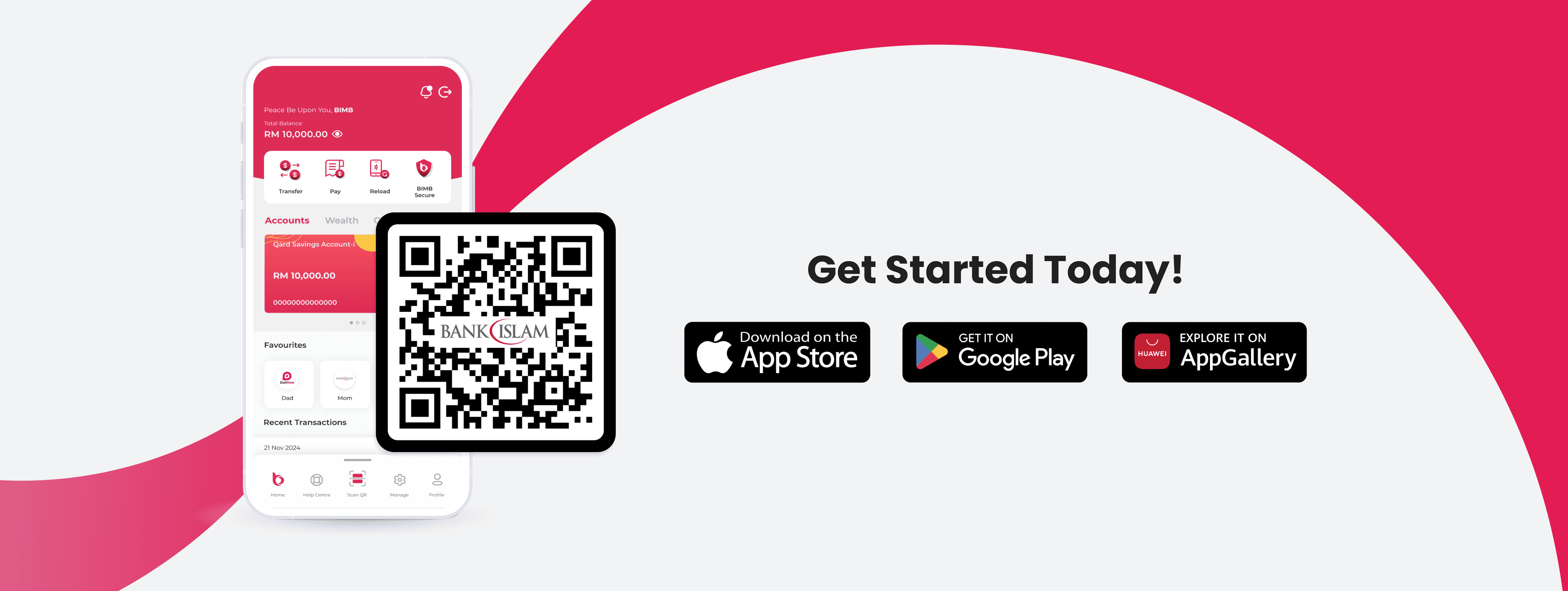
BIMB Mobile will be your main app to continue accessing Bank Islam’s digital banking services after Be U ends.
Through BIMB Mobile, you can manage your Bank Islam account, make payments, transfer money, and apply for selected banking products in one place.

Your card and account need separate actions
Updating your saved card payments does not move your Be U account balance. If you have a Be U QSA or Be U Awfar account, please review the related transition guide before 31 July 2026.
Updating your saved card payments does not move your Be U account balance. If you have a Be U QSA or Be U Awfar account, please review the related transition guide before 31 July 2026.
Be U QSA: Move your QSA balance through the Be U app. Learn more.
Be U Awfar: Review your Awfar balance, profit timeline, and final draw eligibility. Learn more.
What happens after 31 July 2026?
If you do not update your saved payment methods before 31 July 2026, any payments linked to your Be U Visa Debit Card-i may be interrupted. Your Be U card will stop working after the deadline, so please update your card details early to avoid failed payments.

We're Here to Support You Every Step of the Way
Your experience matters to us. If you need any assistance during the Be U transition, you may reach out to our support channels based on the timeline below.
Until 30 September 2026, both Be U Community Support and Bank Islam Customer Care will be available to assist you. You can contact Be U Community Support at 03-2779 0088 or email beu.communitysupport@bankislam.com.my. Alternatively, you may also reach Bank Islam Customer Care at 03-2690 0900 or email contactcenter@bankislam.com.my.
From 1 October 2026 onwards, support will be handled solely by Bank Islam Customer Care at 03-2690 0900 or contactcenter@bankislam.com.my.

Customers are advised to read and understand the Terms and Conditions available at our website www.bankislam.com before agreeing to subscribe for any product or services and/or participating in any of our campaigns and promotions.

Copyright © Be U by Bank Islam
Bank Islam Malaysia Berhad. 198301002944 (98127-X)
All right reserved