Logo BeUBe U By Bank Islam

Products & Services

Navbar Icon

Spend

Spend and transact using multiple ways on Be U

Be U Qard Savings Account-i

Be U Visa Debit Card-i

Payment & Transfer

Navbar Icon

Save

Grow your savings effortlessly with dedicated savings features

Nest

Be U Awfar

Navbar Icon

Earn

Unlock opportunities to boost your income through the app

Gigs

Be U Term Deposit-i

Microtakaful

Be U Personal Financing-i

About Be U

Navbar Icon

About Us

Learn about Be U by Bank Islam's history, our mission and the team behind

Read More

Navbar Icon

In the news

Get the latest news of Be U by Bank Islam’s features and new releases

Read More

Navbar Icon

Blog

Be updated with the latest contents to help you get the best out of Be U by Bank Islam

Read More

FAQ
Campaigns
Download
Download
Logo BeU
Download

Be U Blog

Start Reading

Start Reading

Start Reading

Start Reading

Start Reading

Start Reading

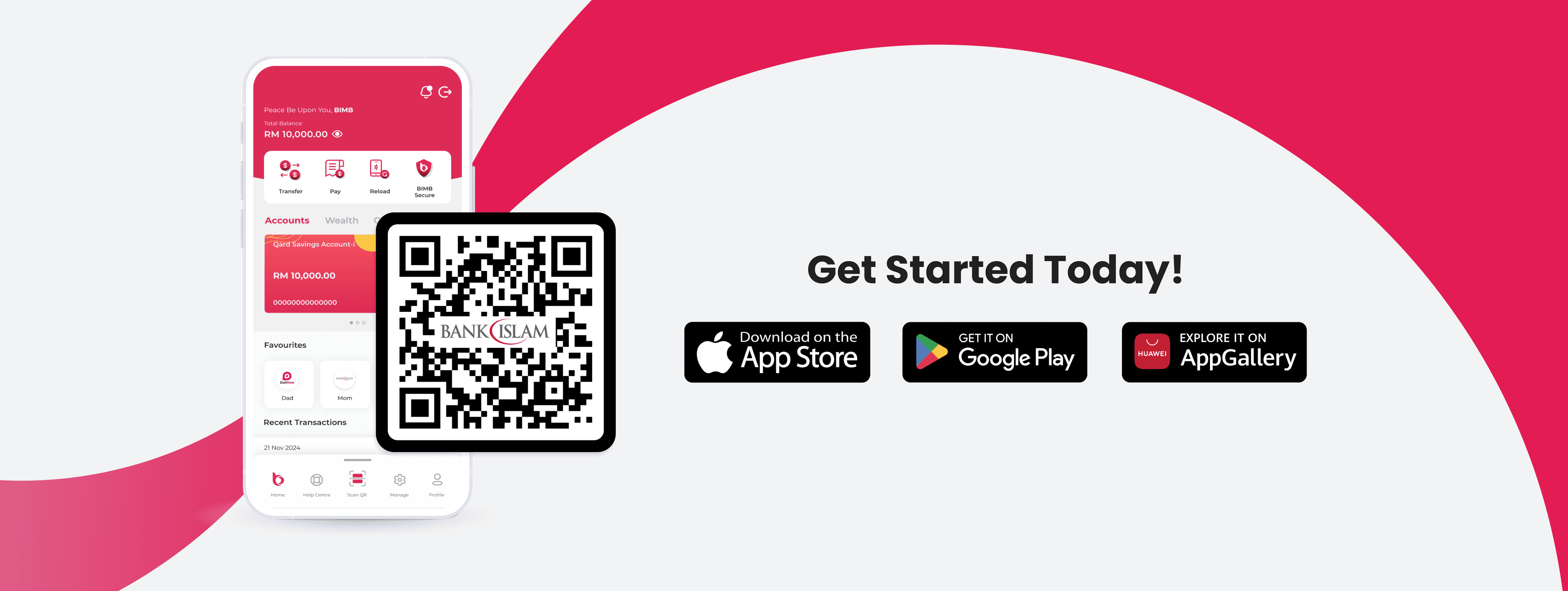
What are you waiting for?

Let's get started!

Join our growing Be U community now!

Apple Store LogoGoogle Play Store Logo
Be U Hi Five Character
Logo Bank Islam White

Contact Details

Be U by Bank Islam
Menara Bank Islam
22, Jalan Perak,
50450 Kuala Lumpur

03 2779 0088

beu.communitysupport@bankislam.com.my

Connect with us

Copyright © Be U by Bank Islam

Bank Islam Malaysia Berhad. 198301002944 (98127-X)

All right reserved

System StatusPrivacy PolicyBank Islam Group Privacy NoticeLegal Documents
Logo BNMLogo PIDMLogo MEPSLogo AKPK

PFM: Sunset for a Brighter Day

December 1, 2025


Cover Image Blog (4).png

PFM: Sunset for a Brighter Day

A little sad news of the day, it’s time to say goodbye to Be U Personal Finance Management on the 31st of December 2025 as this feature will be temporarily removed from the Be U application. We acknowledge that this feature is beloved by a lot as it helps with your financial planning. However, even a good thing can be better & the same goes for Be U Personal Finance Management.

This isn’t a permanent removal, just a pause while we improve what PFM can offer.

How does it impact Be U users?

Saying goodbye needs preparation. If you have been using PFM to track your spending, it is time for you to take note of your activity before you lost track of it. You will not be able to use features such as Expense Tracker and Budgeting which holds so much of the memories of your spendings. So, make sure you do not lose any of your traces and retrieve your data from the Be U app.

To retrieve the data from your PFM, you can follow these steps

Step 1

Open app & go to Profile

Step 2

Tap ‘Contact Us’ for in-app form

Step 3

Under State Request, choose ‘Expense Tracker & Budgeting Data’

Step 4

Submit & receive confirmation message!

Step 1

Open app & go to Profile

Step 2

Tap ‘Contact Us’ for in-app form

Step 3

Under State Request, choose ‘Expense Tracker & Budgeting Data’

Step 4

Submit & receive confirmation message!

Step 0 of 4

What's next?

Even without PFM for now, the Be U app will continue running as usual with all other features available for your daily banking needs. We’re working behind the scenes to bring an improved and more powerful version of PFM in the future, and we can’t wait for you to try it when it returns 😉

Disclaimer: The information presented above is for educational and informational purposes only and it should not be considered as personalized financial planning services. It is not intended as financial, legal, accounting, tax, or any other advisory guidance. Prior to making any financial or other decisions, you must obtain your own independent advice tailored to your individual circumstances.

As part of your decision-making process, you are advised to read the applicable Terms and Conditions (T&C), Product Disclosure Statement (PDS) and Frequently Asked Questions (FAQ) to make informed decisions before subscribing and/or participating in any Be U products.