Logo BeUBe U By Bank Islam

Products & Services

Navbar Icon

Spend

Spend and transact using multiple ways on Be U

Be U Qard Savings Account-i

Be U Visa Debit Card-i

Payment & Transfer

Navbar Icon

Save

Grow your savings effortlessly with dedicated savings features

Nest

Be U Awfar

Navbar Icon

Earn

Unlock opportunities to boost your income through the app

Gigs

Be U Term Deposit-i

Microtakaful

Be U Personal Financing-i

About Be U

Navbar Icon

About Us

Learn about Be U by Bank Islam's history, our mission and the team behind

Read More

Navbar Icon

In the news

Get the latest news of Be U by Bank Islam’s features and new releases

Read More

Navbar Icon

Blog

Be updated with the latest contents to help you get the best out of Be U by Bank Islam

Read More

FAQ
Campaigns
Download
Download
Logo BeU
Download

What are you waiting for?

Let's get started!

Join our growing Be U community now!

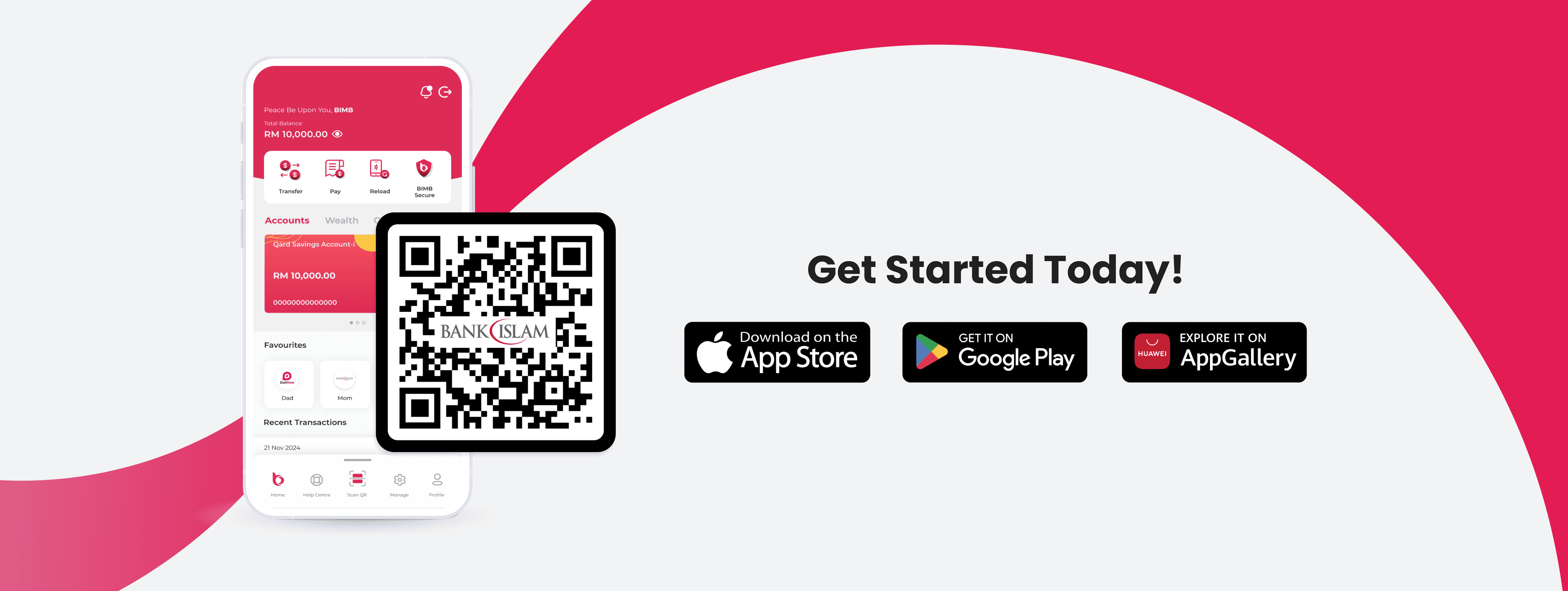
Apple Store LogoGoogle Play Store Logo
Be U Hi Five Character
Logo Bank Islam White

Contact Details

Be U by Bank Islam
Menara Bank Islam
22, Jalan Perak,
50450 Kuala Lumpur

03 2779 0088

beu.communitysupport@bankislam.com.my

Connect with us

Copyright © Be U by Bank Islam

Bank Islam Malaysia Berhad. 198301002944 (98127-X)

All right reserved

System StatusPrivacy PolicyBank Islam Group Privacy NoticeLegal Documents
Logo BNMLogo PIDMLogo MEPSLogo AKPK
Support operator
Frequently Asked Questions

What do you need help with?

Search for topics like transfers, cards, or account settings

Frequently Asked Questions>General>Application (App) & Device>Cooling-Off Period

Articles in this section

  • •Cooling-Off Period
  • •Where can I download Be U?
  • •How do I sign up?
  • •What should I do if I forgot my passcode?
  • •Can I access Be U when travelling overseas?
  • •What are the minimum mobile device requirements to use Be U & its services?
  • •What are the services available on Be U?
  • •What permissions are asked for and why are they requested by Be U?

Cooling-Off Period

Effective 11 July 2024, we’re implementing a 24-hour cooling-off period when you change your phone number or logging in to your Be U on a new device for the first time. This step is part of our ongoing commitment to combat fraud and safeguard your account.


🔐 What's Changing?

When you change your phone number for Be U account or first-time log in from a new device, a 24-hour Cooling-Off period will now be in effect.


❓ What’s Cooling Off Period?

Cooling off period is a 24-hour activation period that acts as an additional layer of protection, ensuring the security of your account.


⏳ What Happens During the 24 Hours?

After making changes, you'll have to wait for 24 hours before performing and approving banking transactions via the Be U app. This brief period ensures that any unauthorised changes (including any transactions performed under the influence of third-party) can be timely prevented, keeping your account safe.


💼 Your Banking Experience After 24 Hours


Once the Cooling-Off period ends, you can fully access and enjoy the features of the Be U app, conducting your banking transactions with confidence and security.

FYI: If you need more details or any assistance during the 24-hours cooling-off period, you may reach out to our Be U Community Support via "Contact Us" form on the Be U app; or email us at beu.communitysupport@bankislam.com.my.

Related Articles

  • •Where can I download Be U?
  • •How do I sign up?
  • •What should I do if I forgot my passcode?
  • •Can I access Be U when travelling overseas?
  • •What are the minimum mobile device requirements to use Be U & its services?

Need further assistance? Get in touch with us.

Call us at

03 2779 0088

Email us at

beu.communitysupport@bankislam.com.my