Logo BeUBe U By Bank Islam

Products & Services

Navbar Icon

Spend

Spend and transact using multiple ways on Be U

Be U Qard Savings Account-i

Be U Visa Debit Card-i

Payment & Transfer

Navbar Icon

Save

Grow your savings effortlessly with dedicated savings features

Nest

Be U Awfar

Navbar Icon

Earn

Unlock opportunities to boost your income through the app

Gigs

Be U Term Deposit-i

Microtakaful

Be U Personal Financing-i

About Be U

Navbar Icon

About Us

Learn about Be U by Bank Islam's history, our mission and the team behind

Read More

Navbar Icon

In the news

Get the latest news of Be U by Bank Islam’s features and new releases

Read More

Navbar Icon

Blog

Be updated with the latest contents to help you get the best out of Be U by Bank Islam

Read More

FAQ
Campaigns
Download
Download
Logo BeU
Download

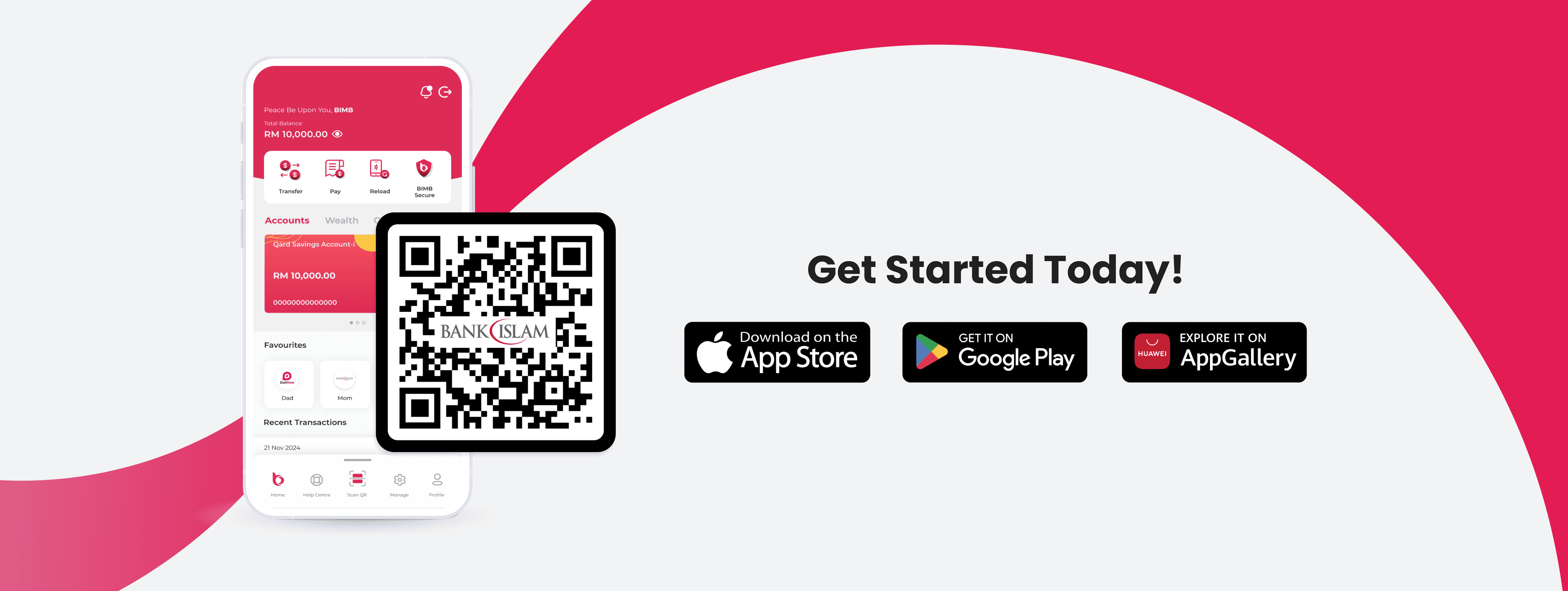
What are you waiting for?

Let's get started!

Join our growing Be U community now!

Apple Store LogoGoogle Play Store Logo
Be U Hi Five Character
Logo Bank Islam White

Contact Details

Be U by Bank Islam
Menara Bank Islam
22, Jalan Perak,
50450 Kuala Lumpur

03 2779 0088

beu.communitysupport@bankislam.com.my

Connect with us

Copyright © Be U by Bank Islam

Bank Islam Malaysia Berhad. 198301002944 (98127-X)

All right reserved

System StatusPrivacy PolicyBank Islam Group Privacy NoticeLegal Documents
Logo BNMLogo PIDMLogo MEPSLogo AKPK
Support operator
Frequently Asked Questions

What do you need help with?

Search for topics like transfers, cards, or account settings

Frequently Asked Questions>General>Security>How do I know if Be U is safe and my data will not be compromised?

Articles in this section

  • •How do I know if Be U is safe and my data will not be compromised?
  • •What is biometric authentication and its purpose?
  • •My phone number has been registered with Bank Islam, can I use the same number to register with Be U?
  • •If I changed telco and keep the same phone number, do I need to update Be U?
  • •I keep getting an error message that says my phone number has been registered before while signing up. What should I do?
  • •What should I do if I lost my mobile phone?
  • •I am an existing Bank Islam customer. What happens if I register with Be U using a different email address than what is registered at Bank Islam?
  • •I am not able to perform any transactions on Be U. What should I do?

How do I know if Be U is safe and my data will not be compromised?


Be U is equipped with adequate security functions such as:

  •  Access is protected by strict sign-on procedures.
  • Single-user session (only one session is allowed for each user at a time).
  • Multifactor authentication (e.g. passcode, SMS OTP) for whenever a transaction takes place.
  • Confidential account information is not stored on the device.
  • Transmission of sensitive data to a public network is encrypted by secure protocols SSL, TLS and HTTPS.

Related Articles

  • •What is biometric authentication and its purpose?
  • •My phone number has been registered with Bank Islam, can I use the same number to register with Be U?
  • •If I changed telco and keep the same phone number, do I need to update Be U?
  • •I keep getting an error message that says my phone number has been registered before while signing up. What should I do?
  • •What should I do if I lost my mobile phone?

Need further assistance? Get in touch with us.

Call us at

03 2779 0088

Email us at

beu.communitysupport@bankislam.com.my